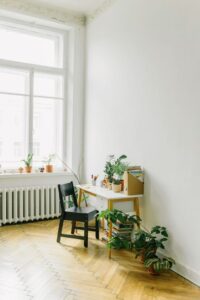
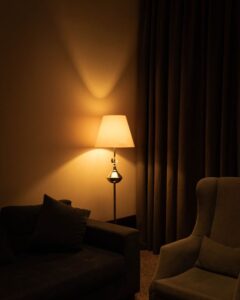
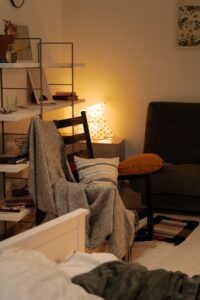

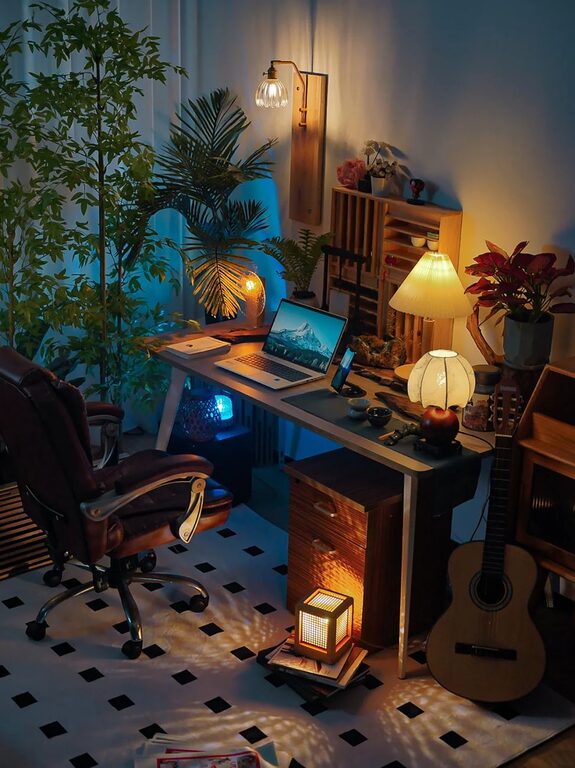
Creating a cozy and functional home office space is essential for anyone who works from home or needs a dedicated spot for focused tasks. A well-designed home office can boost productivity while also providing a comfortable environment that makes working enjoyable. Whether you have a small corner or an entire room to dedicate to your workspace, these tips will help you balance comfort with functionality.
1. Choose the Right Location
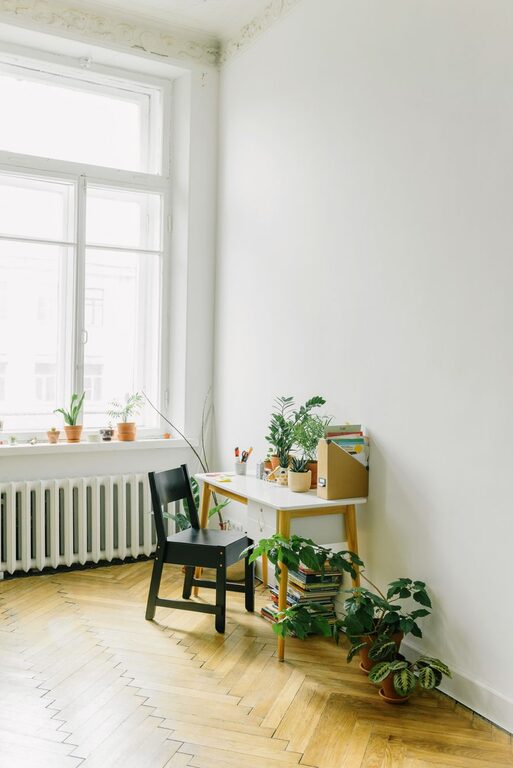
Selecting the best spot for your home office is the first step. Ideally, pick a place with good natural light, minimal distractions, and enough space for your needs.
– Near a window: Natural light helps reduce eye strain and enhances mood.
– Quiet area: Choose a location away from heavy foot traffic or noisy appliances.
– Space considerations: Make sure there’s enough room for your desk, chair, and storage.
2. Invest in Ergonomic Furniture
Comfort is key when setting up a home office since you may spend several hours seated each day. Ergonomic furniture supports good posture and reduces discomfort.
– Adjustable chair: Look for one with lumbar support and adjustable height.
– Desk height: Ensure your desk allows your arms to rest comfortably at a 90-degree angle.
– Monitor placement: Position your screen so the top is at or slightly below eye level to avoid neck strain.
3. Optimize Lighting
Proper lighting helps maintain focus and prevents headaches.
– Use a mix of ambient, task, and natural lighting.
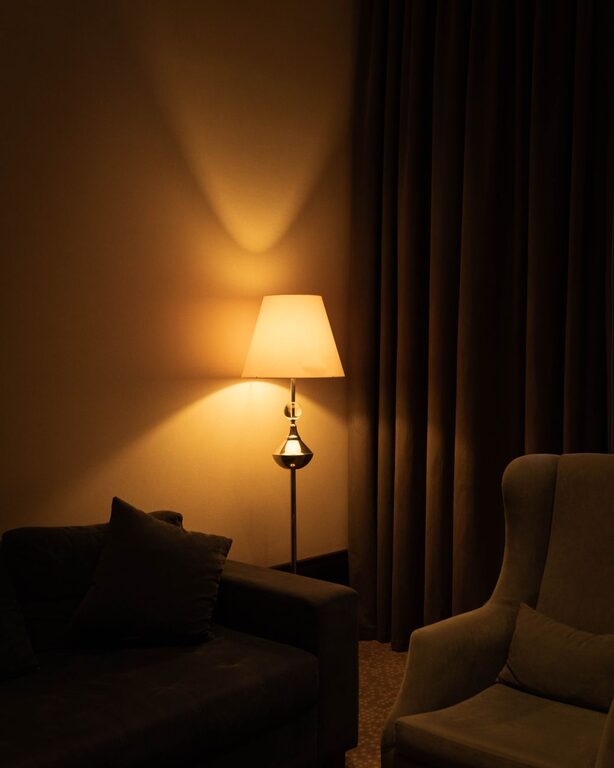
– Place a desk lamp with adjustable brightness near your work area.
– Avoid harsh overhead lights or glare on your computer screen.
4. Keep It Organized and Clutter-Free
An organized office reduces distractions and saves time looking for important items.
– Use shelves, filing cabinets, or storage boxes to keep papers, supplies, and gadgets tidy.
– Consider cable management solutions like clips or sleeves to keep cords neat.
– Develop a daily routine to declutter your desk, even if only for a few minutes.
5. Personalize Your Space
Adding personal touches can make your home office inviting and motivating.
– Choose colors that inspire you; calming shades like blue or green can promote focus.
– Include plants to improve air quality and add a natural touch.
– Hang artwork, photos, or motivational quotes that uplift your mood.
6. Invest in Technology and Tools
Having the right technology can streamline your work.
– Reliable internet connection: A strong Wi-Fi or wired connection avoids interruptions.
– Quality headset or speakers: For virtual meetings and music without distractions.
– Essential accessories: Keyboard, mouse, printer, or external monitors to enhance productivity.
7. Set Boundaries and Keep it Separate
Especially when working from home, setting boundaries helps maintain work-life balance.
– Use room dividers or curtains if the office shares space with other rooms.
– Keep work materials separate from leisure items.
– Set specific working hours and communicate them with household members.
8. Maintain Good Air Quality and Temperature
Comfort isn’t just about furniture; air quality and temperature affect your productivity and well-being.
– Open windows when possible or use air purifiers to keep the air fresh.
– Use fans or heaters to maintain a comfortable temperature year-round.
9. Use Multi-Functional Furniture When Space is Limited
If your dedicated office area is small, choose pieces that serve multiple purposes.
– A desk with built-in shelves or drawers saves space.
– Folding desks or wall-mounted desks can be tucked away when not in use.
– Storage ottomans or benches provide seating and organization.
10. Regularly Refresh Your Workspace
To keep your home office inspiring and functional, periodically update its layout, decor, or equipment.
– Rearrange furniture to change the view or maximize space.
– Swap out artwork or add new plants.
– Upgrade tech gear or furniture as needed.
—
By thoughtfully designing a home office with these tips, you can create a space that’s both cozy and functional. This balance helps maintain productivity while keeping your comfort and well-being in mind. Start small and personalize your setup to fit your unique needs and preferences. Happy working!