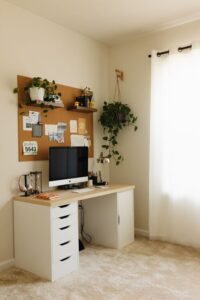




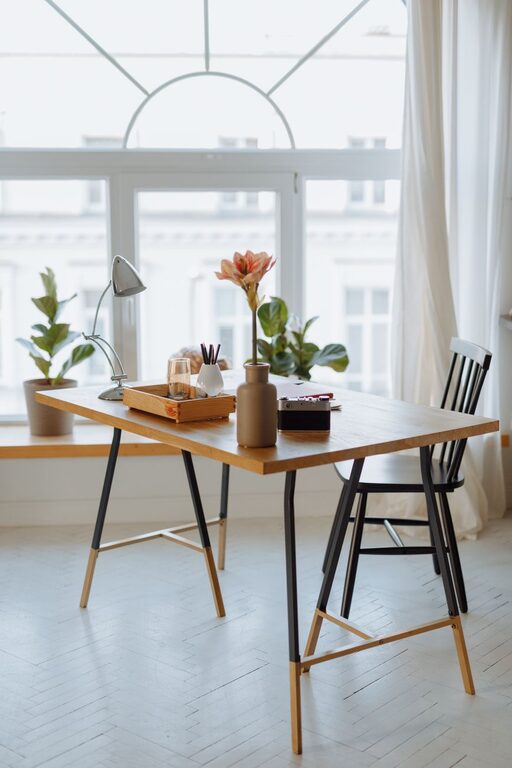
Creating a home workspace that is both cozy and functional can greatly improve your productivity and overall well-being while working from home. Whether you have a dedicated room or just a small corner, thoughtful design and organization can transform your space into an inviting, efficient area that motivates you every day.
In this post, we’ll share practical tips to help you create a workspace that balances comfort and utility.
Choose the Right Location
Find a Quiet Spot
Select a location in your home that minimizes distractions. This might be a spare room, a quiet corner of the living room, or even a section of your bedroom. The key is to have a space where interruptions are minimal, so you can focus.
Consider Natural Light
Natural light boosts mood and reduces eye strain. Position your desk near a window if possible. If natural light is limited, invest in good quality task lighting to brighten your workspace.
Invest in Comfortable Furniture
Ergonomic Chair
An ergonomic chair supports your back and encourages good posture, which is essential for long hours of work. Look for chairs with adjustable height and lumbar support.
Proper Desk
Choose a desk with enough surface area to hold your computer, supplies, and any other tools you need. Height is important—your desk should enable you to keep your arms at a 90-degree angle while typing.
Organize with Purpose
Declutter Regularly
Keep your workspace tidy by clearing unnecessary items daily. A clean space helps reduce stress and improves concentration.
Use Storage Solutions
Incorporate shelves, drawers, or baskets to store supplies, documents, and other essentials. Labeling containers can make it easier to find things quickly.
Cable Management
Use clips or cable organizers to keep cords neat and out of the way. This reduces visual clutter and prevents tripping hazards.
Personalize Your Space
Add Plants
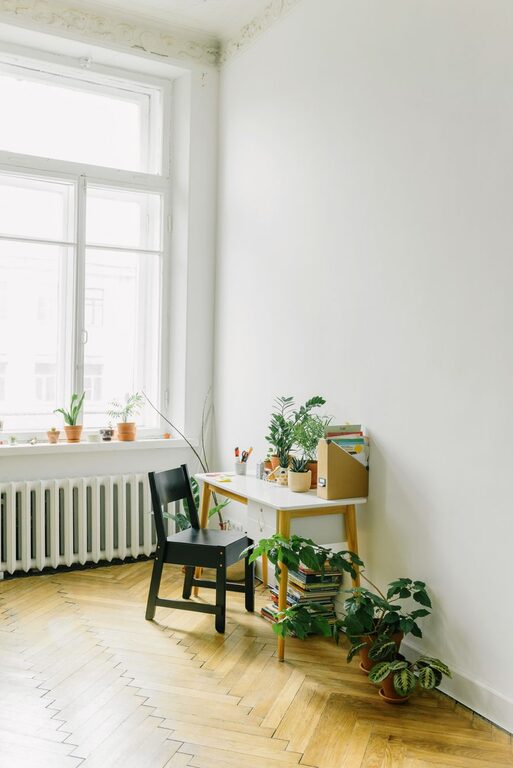
Small plants can purify the air and add a touch of nature, creating a more inviting atmosphere.
Display Inspiring Items
Place a few personal touches like photos, artwork, or inspirational quotes where you can see them. These can boost motivation without distracting you.
Choose Soothing Colors
Decorate with calming colors such as blues, greens, or neutrals. These tones tend to create a relaxing environment that promotes focus.
Optimize Technology
Reliable Internet
Ensure your workspace has a strong internet connection. Use an ethernet cable if Wi-Fi signals are weak or inconsistent.
Essential Accessories
Invest in quality peripherals like a mouse, keyboard, and headset. These tools can enhance comfort and efficiency.
Backup Power
Consider an uninterruptible power supply (UPS) to keep your devices running during brief power outages.
Establish Boundaries
Define Work Hours
Set specific work hours and communicate them with the people you live with. This helps create mental boundaries between work and personal time.
Dedicated Work Zone
Avoid working from the couch or bed to help your brain associate your workspace with focus and productivity.
Incorporate Break Areas
Small Relaxation Spot
If space allows, create a small corner with a comfortable chair or cushion where you can take short breaks or practice mindfulness.
Move Around
Remember to stand up, stretch, and move regularly. This prevents stiffness and refreshes your mind.
Maintain Good Air Quality and Temperature
Ventilate Regularly
Open windows when possible to allow fresh air circulation.
Control Temperature
Keep your workspace at a comfortable temperature through heating, cooling, or fans.
Use Sound Control Techniques
White Noise
Consider a white noise machine or app if outside noise is distracting.
Soft Textiles
Use rugs, curtains, and cushions to absorb sound and reduce echoes.
—
By carefully planning and organizing your home workspace with these tips, you can create a cozy and functional environment that supports your productivity and well-being. Remember, the goal is to tailor your space to your needs and preferences, making work feel a bit more enjoyable every day.