


Creating a home workspace that is both organized and productive can make a significant difference in your daily work routine. Whether you are new to working from home or looking to improve your current setup, these tips will help you design a space that supports focus, comfort, and efficiency.
Why an Organized Workspace Matters
An organized workspace reduces clutter and distractions, allowing you to concentrate better and manage your tasks more efficiently. When everything has a designated place, you save time searching for materials and maintain a clearer mind throughout the workday.
Choose the Right Location
Consider Natural Light and Quiet
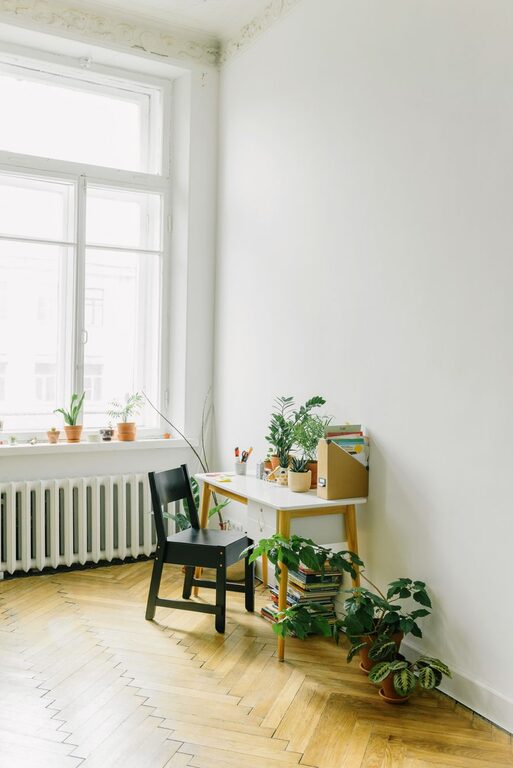
Select a spot in your home that receives ample natural light, which is known to enhance mood and energy. Try to find a quiet area where interruptions are minimal, especially if you have family members or roommates.
Think About Space and Comfort
Your workspace should be comfortable and spacious enough to accommodate your computer, documents, and other essentials. Avoid cramped corners if possible, and consider factors like temperature and ventilation.
Invest in Ergonomic Furniture
Your comfort directly impacts your productivity. An ergonomic chair supports your posture, reducing strain during long working hours. Pair your chair with a desk at the right height to minimize discomfort. Adjustable desks, such as sit-stand options, can also add variety to your posture throughout the day.
Declutter and Organize
Keep Only Essentials on Your Desk
Limit your desk items to those you use daily. This helps maintain a clean look and reduces distractions.
Use Storage Solutions
Incorporate shelves, drawers, or filing cabinets to store papers, office supplies, and gadgets. Clear storage bins can make it easy to find items without opening multiple containers.
Regularly Tidy Up
At the end of each day, spend a few minutes organizing your desk. This small habit prevents clutter build-up and sets a fresh start for the next day.
Optimize Your Technology Setup
Reliable Equipment
Ensure your computer, monitor, keyboard, and mouse are in good working order. Investing in a second monitor can increase productivity for many types of tasks.
Cable Management
Use cable clips, ties, or sleeves to keep cords neat and out of the way. This not only looks better but also reduces the risk of accidents or damage.
High-Speed Internet
A stable internet connection is essential for virtual meetings and timely work. Test your Wi-Fi regularly and consider wired connections if speed or stability is an issue.
Establish a Routine and Boundaries
Set Working Hours
Define clear start and end times to separate work from personal life. Consistency helps build habits and signals to others when you are available.
Take Regular Breaks
Use short breaks to stretch, hydrate, or move around. Breaks improve focus and prevent burnout.
Communicate Boundaries
If you live with others, share your schedule so they understand when you should not be disturbed.
Personalize Your Space
Adding a few personal touches, like plants, artwork, or meaningful items, can make your workspace inviting and inspiring without overwhelming it. Plants, for example, improve air quality and add a touch of nature that can reduce stress.
Lighting and Ambience
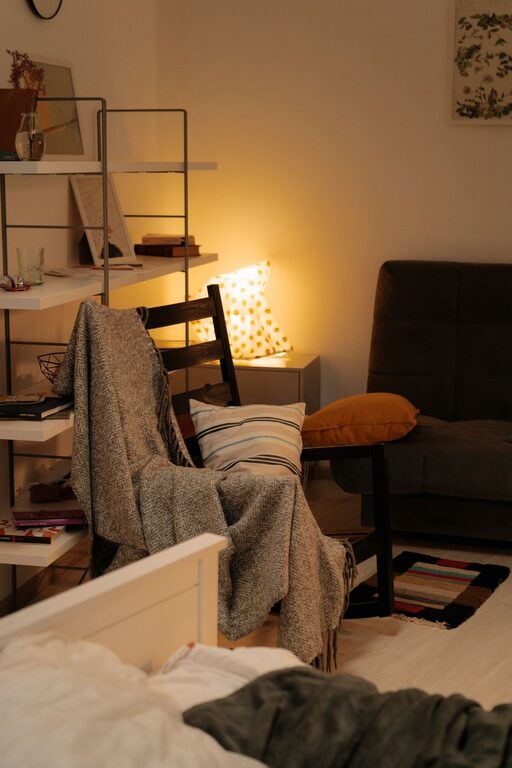
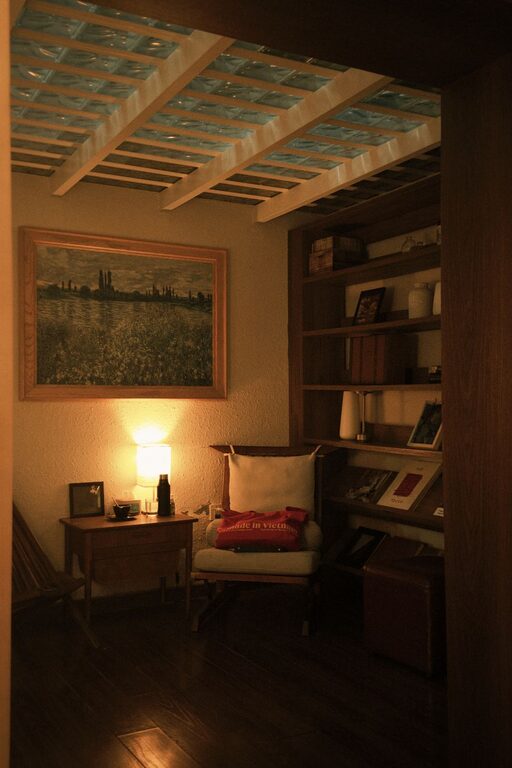
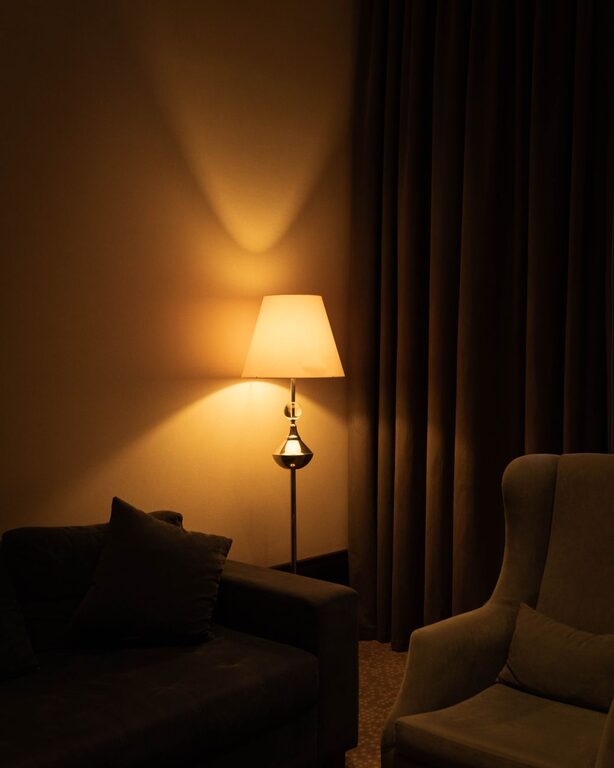
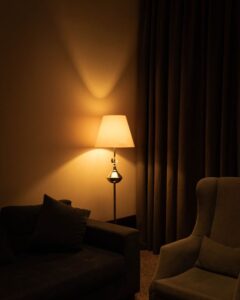
Besides natural light, use adjustable task lighting to reduce eye strain during evening work sessions. Soft, warm lighting can create a comfortable atmosphere, while brighter lights support alertness.
Manage Noise and Distractions
If you cannot find a quiet location, noise-canceling headphones or background music may help you concentrate. Additionally, keep your phone on silent or use apps to limit notifications during focused work periods.
Plan Your Workflow
Creating to-do lists or using productivity apps helps you prioritize tasks and track progress. Organizing your day into blocks focused on specific activities can improve efficiency and reduce decision fatigue.
Conclusion
Designing an organized and productive home workspace involves attention to comfort, layout, technology, and routines. With these practical tips, you can create a work area that helps you stay focused, motivated, and balanced throughout the day. Remember that your workspace should evolve with your needs, so feel free to adjust and improve it over time.